Tailscale on a Linux/Ubuntu server: SSH without an open port | ComputeBox
VPS & Server
Secure your server with Tailscale (no open SSH port)
Instead of exposing SSH to the whole internet, put your server on a private network with Tailscale. Here is how to join it to your tailnet and close the public SSH port.
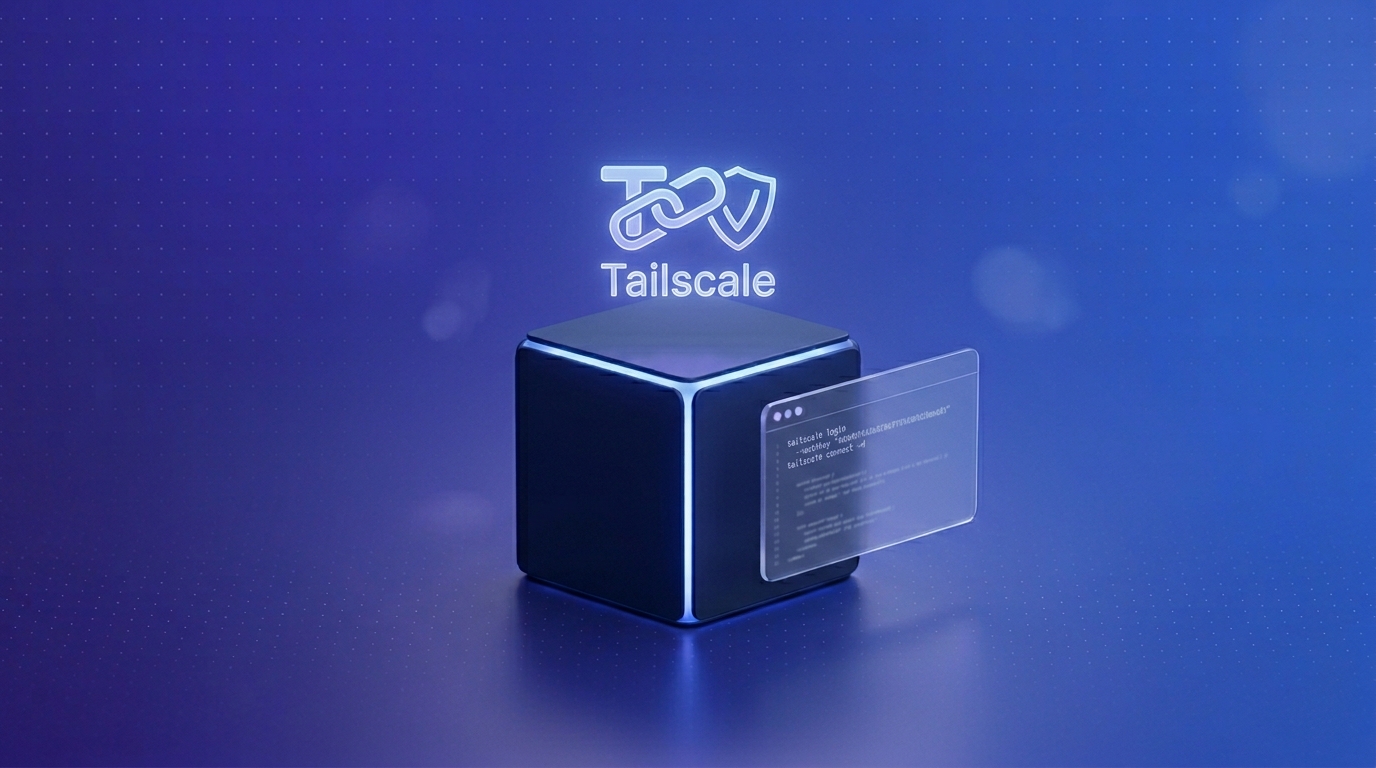
An open SSH port gets probed by bots around the clock. A cleaner approach is to not expose SSH publicly at all. With Tailscale you put your server on a private network that only your own devices can reach. Tailscale is built on WireGuard, is encrypted, and works behind NAT without any port forwarding. This guide joins your server to your tailnet and closes public SSH access.
10 minIntermediateTested on Ubuntu 24.04Updated 2026-06-18
In short
Install Tailscale, join the tailnet with sudo tailscale up, connect over the 100.x address, then close the public SSH port with ufw.
Create a free Tailscale account and install Tailscale on the device you connect from, such as your laptop. The server and your device then end up in the same tailnet, your private Tailscale network.
The command prints a login URL. Open it in your browser and sign in, which links the server to your tailnet. It then has a Tailscale address in the 100.x.y.z range:
Once the Tailscale connection is up, lock SSH down from the outside. Allow connections over the Tailscale interface and remove the public SSH rule in the firewall:
Leave ports 80 and 443 open if you run a website. Management over SSH is then only reachable through the tailnet. For the firewall basics, see Set up a firewall with ufw.
If you lock yourself out
If something goes wrong while closing the port, get back in through the VNC console in the panel and undo the rule with sudo ufw allow OpenSSH.
For personal use and small setups there is a free plan that is more than enough for a single server.
Do I still need ufw and Fail2ban?
ufw yes, that is how you control what stays publicly reachable. Fail2ban becomes less important once SSH is no longer reachable from the internet at all.
Does my web server stay public?
Yes. You leave ports 80 and 443 open. Tailscale mainly secures management over SSH and internal services.